Business Settings
Manage your business profile, preferences, payments and data.
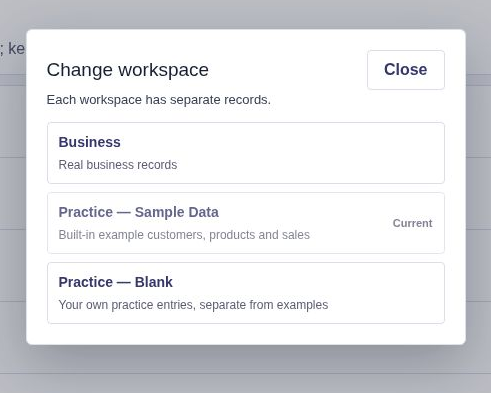
Choose a Practice or Business workspace
Recorded in Practice — Sample Data. Use Practice to follow along; use Business only when entering your own records.
Compare Practice and Business card setup
The videos use Practice — Sample Data. Follow along in Practice to try the examples, or use Business to enter your own records.
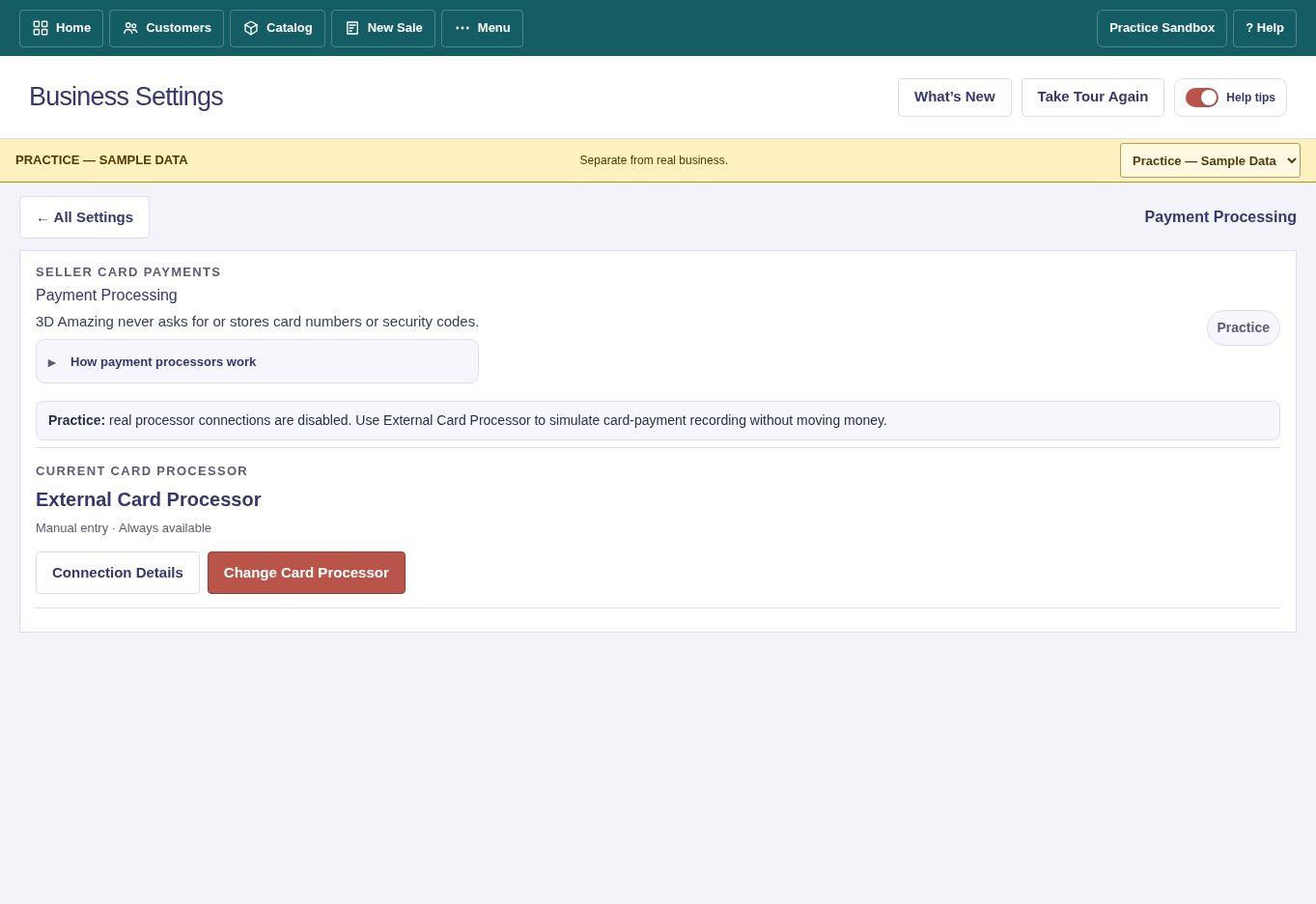
Practice disables real processor connections. Use External Card Processor to simulate recording a card payment. To connect Square or Stripe for real payments, open Business Settings → Payment Processing in Business.
Business Profile
Open Business Settings → Business Profile & Practice to edit business details or switch between real Business and Practice.
Sales and taxes
Set invoice details, sales tax rates, currency and other applicable selling preferences. Check settings before recording real sales.
Appearance
Accounts with Appearance access can choose among eight themes. Your choice follows you between Business and Practice. Appearance guide.
Payment Processing
Connect and review supported card processors in Payment Processing. Test payments should use the provider's sandbox where available.
Data Tools
Use Full Business Backup for complete workspace backups. Basic Customer/Product CSV exports do not include every relationship or costing field. Review the target carefully before restoring a backup.
Plan and account
View your current plan and account options. Changes to access or billing take effect according to the displayed plan terms.
Save changes
Select the primary Save action, then check the confirmation. Leave unsaved forms with Save & Leave, Discard & Leave or Keep Editing when prompted.