Sign In & Password Help
Sign in with your email and password, or request a password reset.
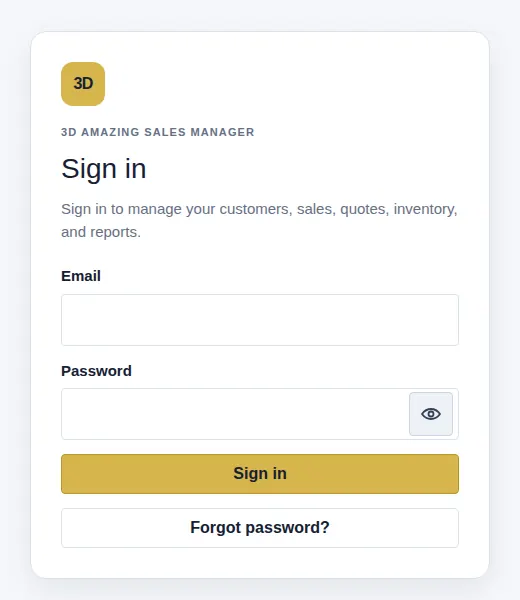
Sign in
- Open 3D Amazing Sign in.
- Enter your Email and Password.
- Select Sign in. Complete security verification if requested.
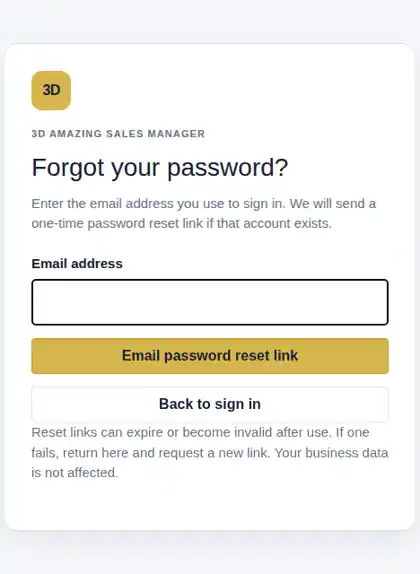
Forgot your password?
- Select Forgot password? on Sign in, or open password recovery.
- Enter your email and select Email password reset link.
- Check your Inbox and Spam folder; open the newest email.
- Choose a new password and select Save Password. Then sign in again.
Reset link expired?
Return to Forgot password? and request a new link. Links can expire or work only once.
Still can't sign in?
Check the email address and password. Use the eye icon to show or hide the password while typing. If recovery fails, contact Support. Never share your password or reset link.