Events
Track craft shows, markets and other selling events.
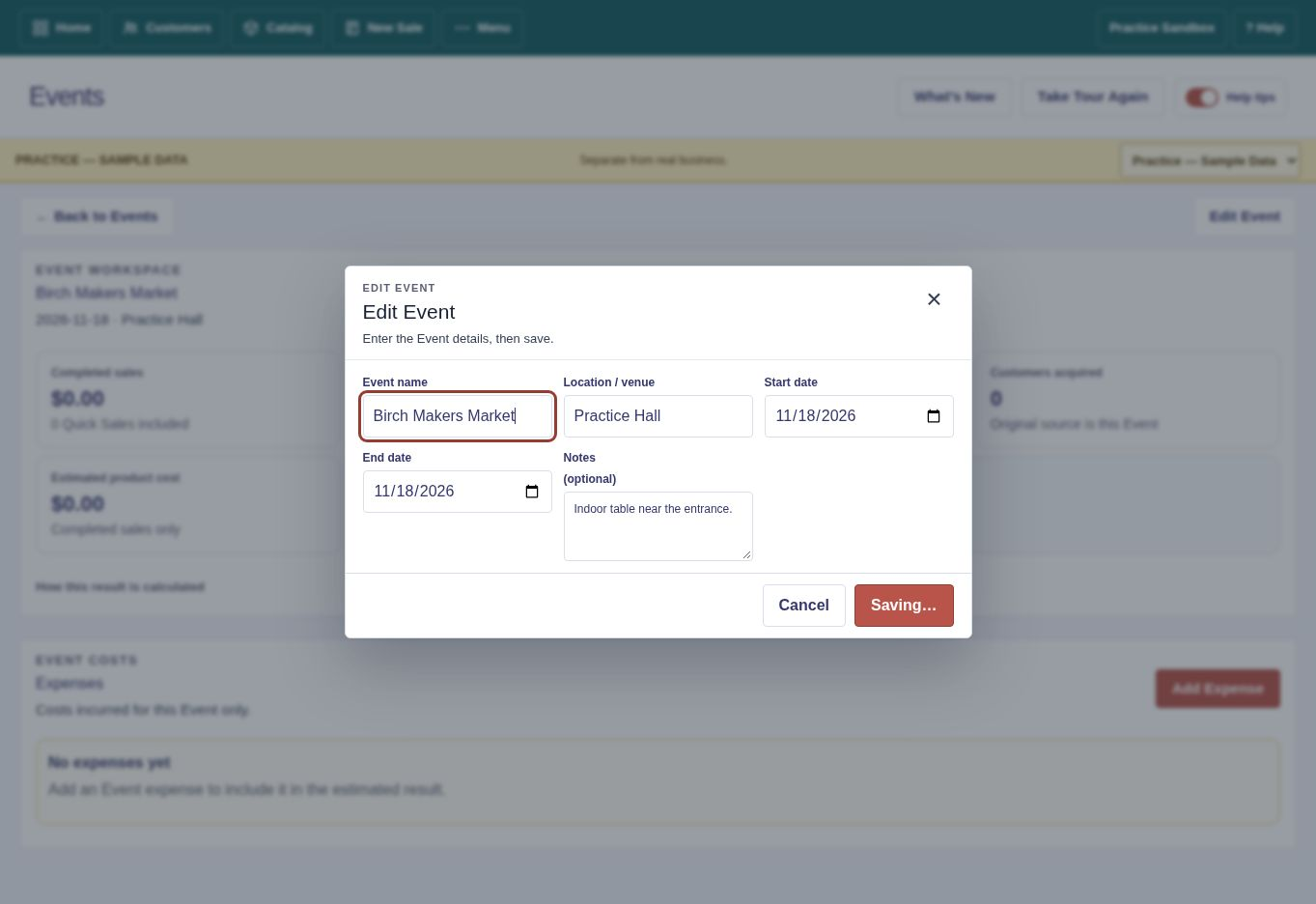
Create and update an Event
Recorded in Practice — Sample Data. Use Practice to follow along; use Business only when entering your own records.
Set up a craft show or market
The videos use Practice — Sample Data. Follow along in Practice to try the examples, or use Business to enter your own records.
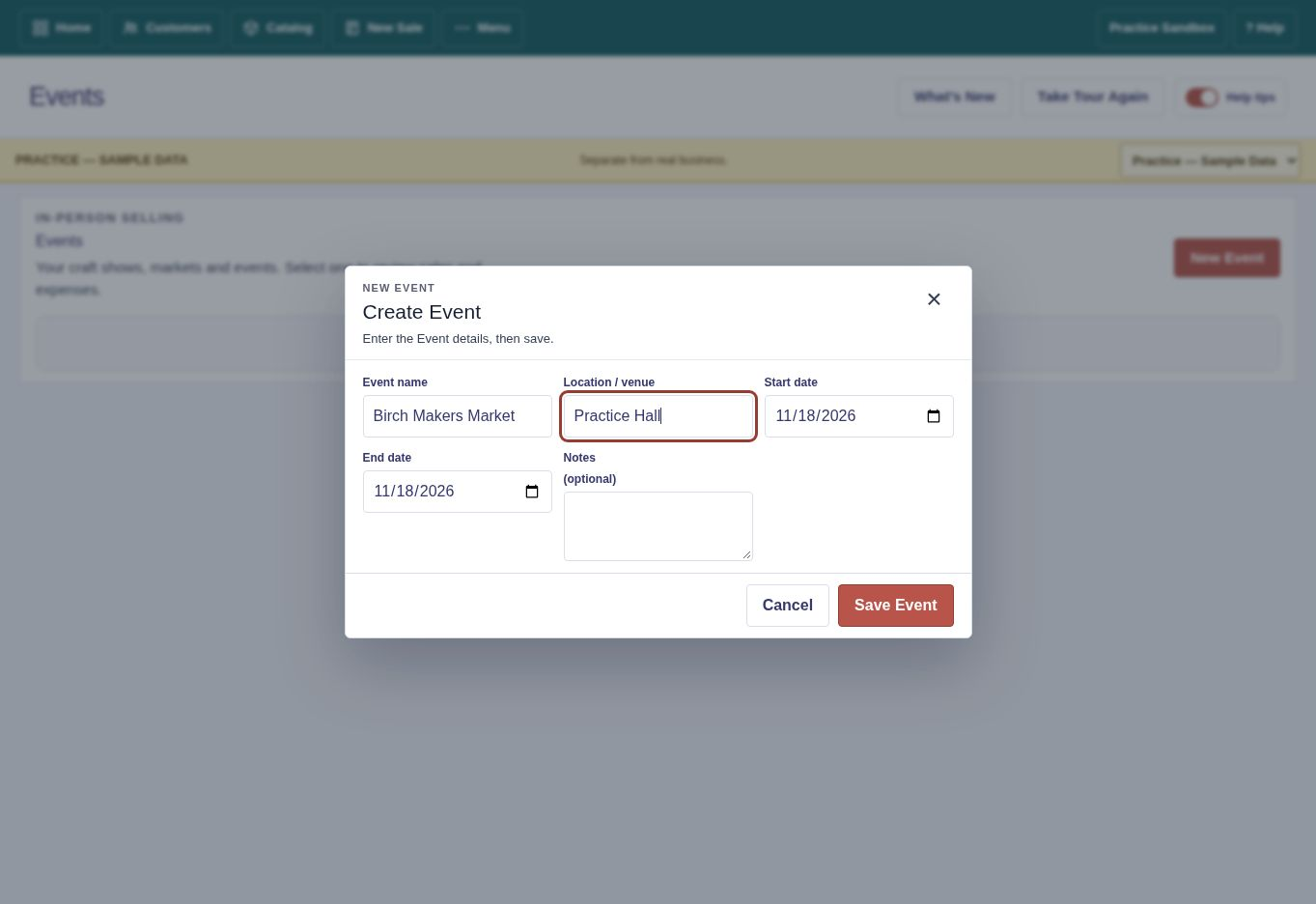
Create an Event
- Open Events.
- Choose New Event.
- Enter its name, dates, location and other needed details.
- Save.
Make an Event current
Choose Make current for the event you are working. Confirm before switching an active event.
Record expenses
Add table fees, travel and other Event expenses to track costs alongside sales.
Review results
Open the Event or Reports for sales and expense summaries.